To reset a Chefman air fryer, unplug it from the wall outlet, wait at least 5 minutes, and plug it back in. This power-cycle reset can clear temporary control-panel errors, unresponsive buttons, and settings that became stuck during cooking.
If the air fryer still does not work, check the basket position, power outlet, display messages, and the instructions for your exact Chefman model. Chefman air fryers do not all use the same control panel, and many models do not have a separate “factory reset” command.
What “Resetting” a Chefman Air Fryer Means
A reset normally means removing power from the appliance and reconnecting it. This is different from restoring a phone or computer to factory settings.
A power-cycle reset may help when:
- The display is frozen.
- Touch buttons do not respond.
- The air fryer stopped during a cooking cycle.
- The timer or temperature appears incorrect.
- The unit shows a temporary error after overheating.
- The fan or heating function does not restart normally after a cycle.
A reset usually does not repair:
- A damaged power cord or plug.
- A failed heating element.
- A defective fan motor.
- A broken display or control board.
- A basket-detection switch that has failed.
- Damage caused by liquid entering the appliance.
Chefman model instructions can differ. A digital countertop model, dual-basket model, compact analog model, and oven-style air fryer may have different reset controls. Use the model number on the rating label or the original manual when a model-specific instruction is required.
We Tested Chefman Exactemp Air Fryer: Does the Smart Probe Actually Work?
How to Reset a Chefman Air Fryer
Follow these steps in order. Stop using the appliance if you see smoke, smell burning insulation, or notice heat damage around the plug or outlet.
1. Press the Stop, Cancel, or Power button
If the control panel responds, press the button labeled Stop, Cancel, or Power. Some Chefman models use a power symbol instead of a text label.
Allow the cooking cycle to end before removing the basket unless there is an immediate safety concern. If the controls do not respond, continue to the next step.
2. Unplug the air fryer
Remove the plug from the wall outlet. Do not pull on the cord, and do not unplug the appliance with wet hands.
If the air fryer was operating, place it on a heat-resistant surface and allow it to cool. The basket, tray, and interior may remain hot even after the display turns off.
3. Wait at least 5 minutes
Leave the air fryer unplugged for at least 5 minutes. A longer period, such as 15 to 30 minutes, may be appropriate if the appliance stopped because of excess heat.
Do not attempt to cool the appliance by pouring water into it or placing hot parts in cold water. Sudden temperature changes can damage components, and water can create an electrical hazard.
4. Check the basket and cooking tray
While the air fryer is unplugged, confirm that:
- The basket is fully inserted.
- The crisper plate or rack is seated correctly.
- No food or grease is blocking the basket rails.
- The basket is not bent or damaged.
- The cooking chamber is free of loose packaging or foil.
Many air fryers include a safety interlock that prevents heating when the basket is not positioned correctly. The exact design varies by model.
5. Plug the air fryer directly into a wall outlet
Reconnect the air fryer to a properly functioning wall outlet. Avoid using an extension cord or power strip unless the Chefman manual specifically permits it and the electrical rating is suitable.
If the display remains blank, test the outlet with another small appliance. Also check whether a household circuit breaker or ground-fault circuit interrupter (GFCI) has tripped.
6. Run a short test cycle
If the control panel turns on, set a short cooking cycle according to your model’s controls. A brief test with an empty basket can show whether the fan and heating system respond normally.
Do not leave the appliance unattended during the test. Stop immediately if it produces smoke, unusual sparking, a burning electrical odor, or abnormal sounds.
7. Confirm whether the reset worked
The reset was likely successful if:
- The display turns on normally.
- The buttons respond.
- The air fryer accepts a temperature and time.
- The fan starts as expected.
- The unit begins heating without an error message.
- The cooking cycle completes without stopping unexpectedly.
A reset clears a temporary state; it does not prove that an internal component is in good condition.

What to Do If Your Chefman Air Fryer Will Not Turn On
If the air fryer remains completely unresponsive, check the simple external causes before assuming the appliance needs repair.
| Symptom | Possible cause | Safe check |
|---|---|---|
| No display or lights | Outlet, plug, cord, or internal power fault | Test the outlet and inspect the cord |
| Display turns on but buttons fail | Control panel may be locked or frozen | Power-cycle the unit and check the manual |
| Unit starts but does not heat | Basket interlock, heating element, or control fault | Reseat the basket and stop if the problem remains |
| Unit stops during cooking | Overheating, blocked airflow, or electrical interruption | Unplug, cool completely, and inspect airflow openings |
| Error message appears | Model-specific fault or operating condition | Record the message and consult the manual |
| Fan runs but food stays cold | Heating system or sensor problem | Do not continue using it if heating does not return |
Check the outlet and circuit
Plug a different appliance into the same outlet. If the second appliance also fails, the issue may be the outlet, circuit breaker, or GFCI rather than the air fryer.
If the circuit trips repeatedly when the air fryer is connected, unplug the air fryer and do not keep resetting the breaker. Repeated tripping can indicate an electrical fault or an overloaded circuit.
Inspect the power cord and plug
Do not use the air fryer if the cord is frayed, crushed, melted, or loose where it enters the appliance. Do not use a plug with burn marks or signs of overheating.
A damaged cord should not be repaired with tape. Contact Chefman or a qualified appliance service provider for the appropriate repair or replacement guidance.
Check for an overheated appliance
Air fryers need clear airflow around their exterior vents. If the appliance was placed against a wall, operated for an unusually long period, or covered while hot, it may have overheated.
Unplug the unit and let it cool fully. Do not operate it inside a closed cabinet or directly beneath materials that can be damaged by heat.
Check for a basket-detection problem
If the display works but the air fryer refuses to start, remove and reinsert the basket firmly. Clean food residue from the basket tracks and surrounding area after the appliance has cooled.
Do not force the basket or bypass a safety switch. A damaged interlock can allow unsafe operation or prevent the unit from detecting the basket correctly.

How to Reset a Chefman Air Fryer With a Touchscreen or Digital Panel
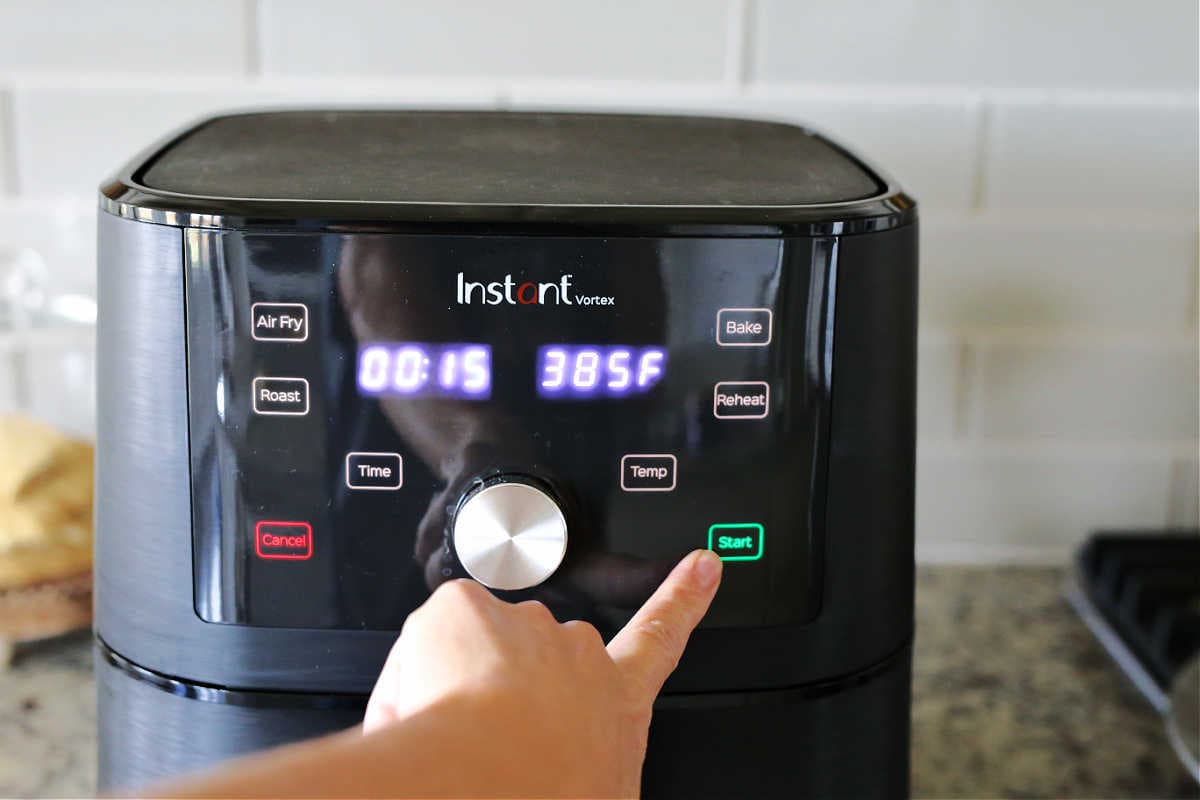
Most digital Chefman models can be reset by disconnecting power, but some panels also include a cancel or power command.
Try this sequence:
- Press Stop, Cancel, or Power once.
- Wait for the cooking cycle to end or for the display to turn off.
- Unplug the air fryer.
- Wait at least 5 minutes.
- Reconnect it and check whether the display responds.
- Enter a new cooking time and temperature rather than relying on a previous program.
Some models may use a long press for a control-panel function, such as canceling a cycle or activating a lock. Do not assume that holding a button will perform the same function on every Chefman air fryer. Look for the exact instruction in the manual for your model.
If the panel shows a lock symbol, search the manual for “control lock,” “child lock,” or “panel lock.” The button combination, if available, is model-specific.
How to Reset an Analog Chefman Air Fryer
Analog Chefman air fryers generally use mechanical time and temperature dials rather than a programmable touchscreen.
To reset one:
- Turn the temperature dial to the lowest setting.
- Turn the timer dial to the off or zero position.
- Unplug the air fryer.
- Let it cool for at least 5 minutes.
- Inspect the basket and outlet.
- Plug the air fryer directly into a suitable wall outlet.
- Set a short timer and moderate temperature for a supervised test.
A mechanical timer may continue to tick or return to zero after power is removed, depending on the design. That behavior is not necessarily a fault. If the appliance does not heat, the timer does not operate, or the power light stays off, discontinue use and seek model-specific service guidance.
How to Reset a Chefman Dual-Basket Air Fryer
A dual-basket model may have separate cooking zones, a shared control panel, or a synchronization function. Resetting power is usually the first step, but the reset may not clear an individual program that has already been saved in the control panel.
After reconnecting power:
- Confirm that both baskets are inserted correctly.
- Check that both crisper plates are positioned as shown in the manual.
- Cancel any active cooking program.
- Select one basket or cooking zone.
- Set a short test cycle.
- Check the second basket separately if the first test succeeds.
If only one basket fails, the problem may be limited to that basket’s sensor, heating zone, fan, or control circuit. Do not continue operating the unaffected basket if the unit shows smoke, electrical odor, repeated shutdowns, or a circuit fault.
Resetting After an Error Code or Beeping
A beep or error message does not always mean the air fryer has a permanent failure. It may indicate an incorrectly positioned basket, overheating, an interrupted power supply, or a condition specific to the model.
Use this troubleshooting order:
- Write down the exact error code or display message.
- Press Stop or Cancel if the panel responds.
- Unplug the air fryer.
- Let it cool completely.
- Remove and reseat the basket.
- Check the outlet and power cord.
- Review the model’s manual for the displayed code.
- Contact Chefman support if the code returns.
Do not guess what an unfamiliar code means. The same letter or number may have different meanings on different product families. Avoid repeatedly starting the appliance to see whether the code disappears, particularly if the unit becomes unusually hot or trips the circuit.
Common Reset Mistakes to Avoid
Do not pour water into the air fryer
Water can damage electrical components and create a shock hazard. Clean removable parts according to the manual, but keep the main housing and controls dry.
Do not open the housing
Unplugging an appliance does not make internal repair safe for an unqualified person. Internal parts may retain electrical energy, and opening the housing can create additional damage or affect warranty coverage.
Do not bypass the basket switch
The basket interlock is a safety feature. Taping it down, inserting objects into the switch, or operating the air fryer without the basket can expose you to heat and moving parts.
Do not use a damaged extension cord
A cord that is too light for the appliance can overheat. Use the electrical setup specified in the owner’s manual and keep the air fryer connected to a properly grounded outlet when required.
Do not keep resetting a tripping breaker
A breaker that trips repeatedly should be treated as a warning. Disconnect the air fryer and have the electrical issue assessed rather than repeatedly restoring power.
When to Contact Chefman Support or Request Service
Contact Chefman support or an authorized service provider when:
- The air fryer remains dead after the outlet and reset checks.
- An error code returns after a complete cooldown.
- The plug, cord, or housing shows heat damage.
- The air fryer repeatedly trips a breaker or GFCI.
- The fan makes grinding, scraping, or intermittent electrical sounds.
- The appliance produces smoke or a persistent burning odor.
- The unit heats continuously or does not respond to temperature controls.
- The basket or safety interlock is damaged.
- The air fryer is still within its warranty period.
Have the following information ready:
- Exact model number.
- Purchase date, if available.
- Error code or display message.
- Description of what happened before the failure.
- Whether the outlet works with another appliance.
- Whether the air fryer was hot, overloaded, or recently cleaned.
Chefman’s official support resources and the owner’s manual are the best sources for model-specific button combinations, error meanings, warranty requirements, and replacement-part guidance.
Key Takeaways
- The standard Chefman air fryer reset is a complete power cycle.
- Press Stop, Cancel, or Power if the panel responds.
- Unplug the appliance for at least 5 minutes, then reconnect it.
- Reseat the basket and check the outlet before testing the unit.
- Do not bypass safety switches or use an appliance with electrical damage.
- A reset cannot repair failed internal components.
- Persistent error codes, burning odors, smoke, or repeated breaker trips require service rather than repeated resets.
Frequently Asked Questions
How long should I leave my Chefman air fryer unplugged to reset it?
Leave it unplugged for at least 5 minutes. If it stopped because of overheating, allow it to cool completely before reconnecting it. A longer cooling period is safer than immediately restarting a hot appliance.
Does unplugging a Chefman air fryer erase its cooking programs?
It may clear an active cooking cycle or temporary control state, but the result depends on the model. Some air fryers do not store custom programs, while others may retain certain settings after power is restored.
Why is my Chefman air fryer beeping but not starting?
The basket may not be fully inserted, the panel may be locked, the appliance may still be too hot, or the model may be reporting an error. Reseat the basket, power-cycle the unit, and check the exact model manual for the beep pattern or display message.
Can I reset a Chefman air fryer by holding the power button?
Some Chefman models may use a long press for canceling or locking functions, but there is no universal button combination for every model. Use the control instructions for the model number printed on your air fryer.
Why does my Chefman air fryer turn on but not heat?
Possible causes include an incorrectly positioned basket, an active safety condition, overheating, a failed heating element, or a control-system fault. If reseating the basket and performing a complete reset do not help, stop using the appliance and contact support.
Is it safe to keep using the air fryer after it resets?
Use it only if it operates normally during a supervised test and shows no smoke, burning odor, unusual sounds, damaged wiring, or repeated shutdowns. A successful reset does not make a damaged appliance safe.
Conclusion
For most Chefman air fryers, resetting means stopping the cycle, unplugging the unit for at least 5 minutes, checking the basket and outlet, and reconnecting it for a supervised test. If the problem returns, treat it as a potential equipment or electrical fault rather than repeating the reset indefinitely. Use the exact Chefman manual or official support channel for model-specific errors, lock functions, and repair decisions.